





Aucun avis ne correspond à votre recherche.
Aucune question publiée pour ce produit.
Vous ne trouvez pas la réponse à votre question ?
Aucun avis ne correspond à votre recherche.
Aucune question publiée pour ce produit.
Vous ne trouvez pas la réponse à votre question ?
Aucun avis ne correspond à votre recherche.
Aucune question publiée pour ce produit.
Vous ne trouvez pas la réponse à votre question ?
Aucun avis ne correspond à votre recherche.
Aucune question publiée pour ce produit.
Vous ne trouvez pas la réponse à votre question ?
Aucun avis ne correspond à votre recherche.
Aucune question publiée pour ce produit.
Vous ne trouvez pas la réponse à votre question ?
Aucun avis ne correspond à votre recherche.
Aucune question publiée pour ce produit.
Vous ne trouvez pas la réponse à votre question ?
Aucun avis ne correspond à votre recherche.
Aucune question publiée pour ce produit.
Vous ne trouvez pas la réponse à votre question ?
Aucun avis ne correspond à votre recherche.
Aucune question publiée pour ce produit.
Vous ne trouvez pas la réponse à votre question ?
Aucun avis ne correspond à votre recherche.
Aucune question publiée pour ce produit.
Vous ne trouvez pas la réponse à votre question ?
Aucun avis ne correspond à votre recherche.
Aucune question publiée pour ce produit.
Vous ne trouvez pas la réponse à votre question ?
Aucun avis ne correspond à votre recherche.
Aucune question publiée pour ce produit.
Vous ne trouvez pas la réponse à votre question ?
Aucun avis ne correspond à votre recherche.
Aucune question publiée pour ce produit.
Vous ne trouvez pas la réponse à votre question ?
Aucun avis ne correspond à votre recherche.
Aucune question publiée pour ce produit.
Vous ne trouvez pas la réponse à votre question ?
Aucun avis ne correspond à votre recherche.
Aucune question publiée pour ce produit.
Vous ne trouvez pas la réponse à votre question ?
Aucun avis ne correspond à votre recherche.
Aucune question publiée pour ce produit.
Vous ne trouvez pas la réponse à votre question ?

Aucun avis ne correspond à votre recherche.
Aucune question publiée pour ce produit.
Vous ne trouvez pas la réponse à votre question ?
Aucun avis ne correspond à votre recherche.
Aucune question publiée pour ce produit.
Vous ne trouvez pas la réponse à votre question ?
Aucun avis ne correspond à votre recherche.
Aucune question publiée pour ce produit.
Vous ne trouvez pas la réponse à votre question ?
Aucun avis ne correspond à votre recherche.
Aucune question publiée pour ce produit.
Vous ne trouvez pas la réponse à votre question ?
Aucun avis ne correspond à votre recherche.
Aucune question publiée pour ce produit.
Vous ne trouvez pas la réponse à votre question ?
Aucun avis ne correspond à votre recherche.
Aucune question publiée pour ce produit.
Vous ne trouvez pas la réponse à votre question ?
Aucun avis ne correspond à votre recherche.
Aucune question publiée pour ce produit.
Vous ne trouvez pas la réponse à votre question ?
Aucun avis ne correspond à votre recherche.
Aucune question publiée pour ce produit.
Vous ne trouvez pas la réponse à votre question ?
Aucun avis ne correspond à votre recherche.
Aucune question publiée pour ce produit.
Vous ne trouvez pas la réponse à votre question ?
Aucun avis ne correspond à votre recherche.
Aucune question publiée pour ce produit.
Vous ne trouvez pas la réponse à votre question ?
Aucun avis ne correspond à votre recherche.
Aucune question publiée pour ce produit.
Vous ne trouvez pas la réponse à votre question ?
Aucun avis ne correspond à votre recherche.
Aucune question publiée pour ce produit.
Vous ne trouvez pas la réponse à votre question ?
Aucun avis ne correspond à votre recherche.
Aucune question publiée pour ce produit.
Vous ne trouvez pas la réponse à votre question ?

Aucun avis ne correspond à votre recherche.
Aucune question publiée pour ce produit.
Vous ne trouvez pas la réponse à votre question ?
Aucun avis ne correspond à votre recherche.
Aucune question publiée pour ce produit.
Vous ne trouvez pas la réponse à votre question ?
Aucun avis ne correspond à votre recherche.
Aucune question publiée pour ce produit.
Vous ne trouvez pas la réponse à votre question ?
Aucun avis ne correspond à votre recherche.
Aucune question publiée pour ce produit.
Vous ne trouvez pas la réponse à votre question ?
Aucun avis ne correspond à votre recherche.
Aucune question publiée pour ce produit.
Vous ne trouvez pas la réponse à votre question ?
Aucun avis ne correspond à votre recherche.
Aucune question publiée pour ce produit.
Vous ne trouvez pas la réponse à votre question ?
Aucun avis ne correspond à votre recherche.
Aucune question publiée pour ce produit.
Vous ne trouvez pas la réponse à votre question ?
Aucun avis ne correspond à votre recherche.
Aucune question publiée pour ce produit.
Vous ne trouvez pas la réponse à votre question ?
Aucun avis ne correspond à votre recherche.
Aucune question publiée pour ce produit.
Vous ne trouvez pas la réponse à votre question ?
Aucun avis ne correspond à votre recherche.
Aucune question publiée pour ce produit.
Vous ne trouvez pas la réponse à votre question ?
Aucun avis ne correspond à votre recherche.
Aucune question publiée pour ce produit.
Vous ne trouvez pas la réponse à votre question ?
Aucun avis ne correspond à votre recherche.
Aucune question publiée pour ce produit.
Vous ne trouvez pas la réponse à votre question ?
Aucun avis ne correspond à votre recherche.
Aucune question publiée pour ce produit.
Vous ne trouvez pas la réponse à votre question ?
Aucun avis ne correspond à votre recherche.
Aucune question publiée pour ce produit.
Vous ne trouvez pas la réponse à votre question ?
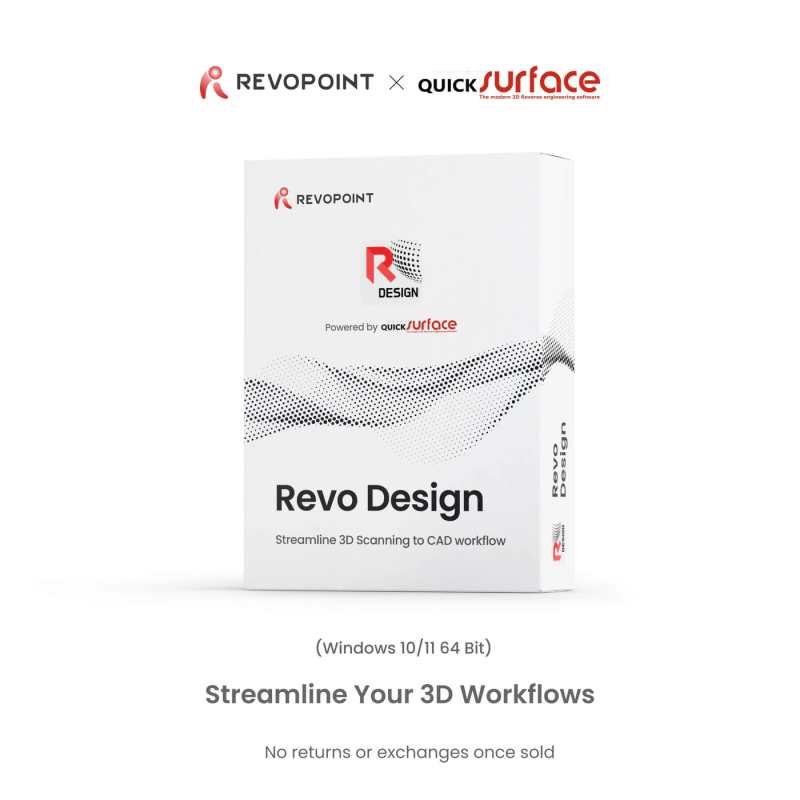
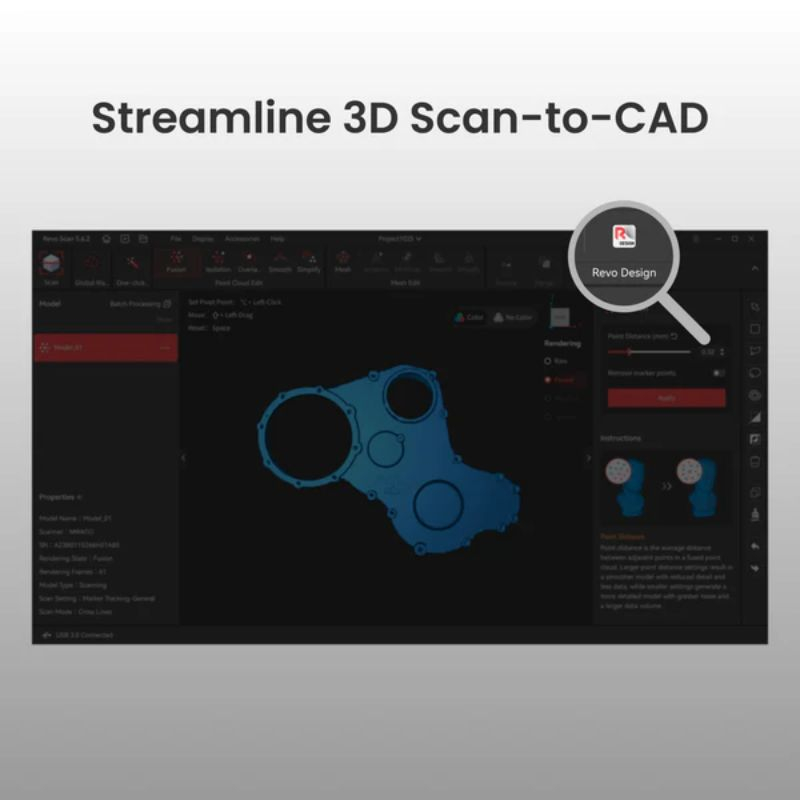
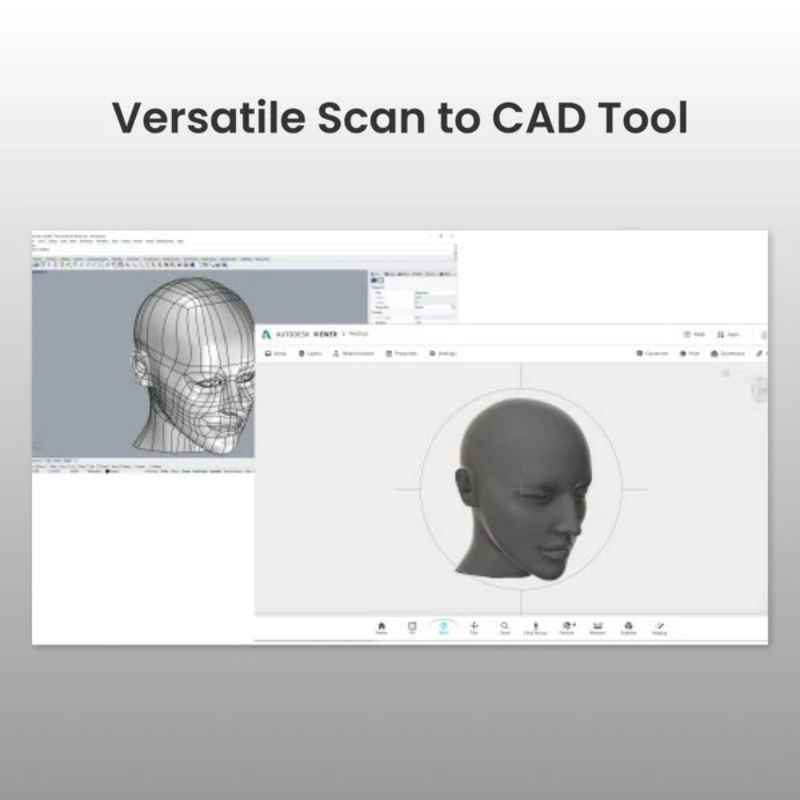
Revo Design is a powerful software that easily turns 3D scans captured with Revopoint scanners into usable CAD models. With mesh cleaning, alignment, and geometry extraction tools, it ensures optimal accuracy for your reverse engineering, surface modeling, and industrial design projects.
 Our experts are at your service to answer your questions and provide advice at info@polyfab3d.com.
Delivery within 48/72 hours
Order before 1pm. Same day shipping
Free delivery
Free delivery near you from €69.90
Premium support
Our teams are on hand to answer all your questions
Over 3500 products
A wide choice of products from the biggest brands
Revo Design uses QuickSurface software to transform 3D scans made with Revopoint scanners into CAD models. This program integrates essential tools to correct and clean meshes, properly position them in the coordinate system, and extract key geometric features from scan data.
It ensures precision suitable for many applications such as reverse engineering, product design, industrial design, and historical preservation.
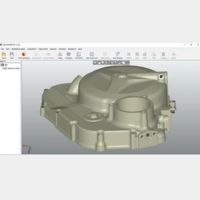
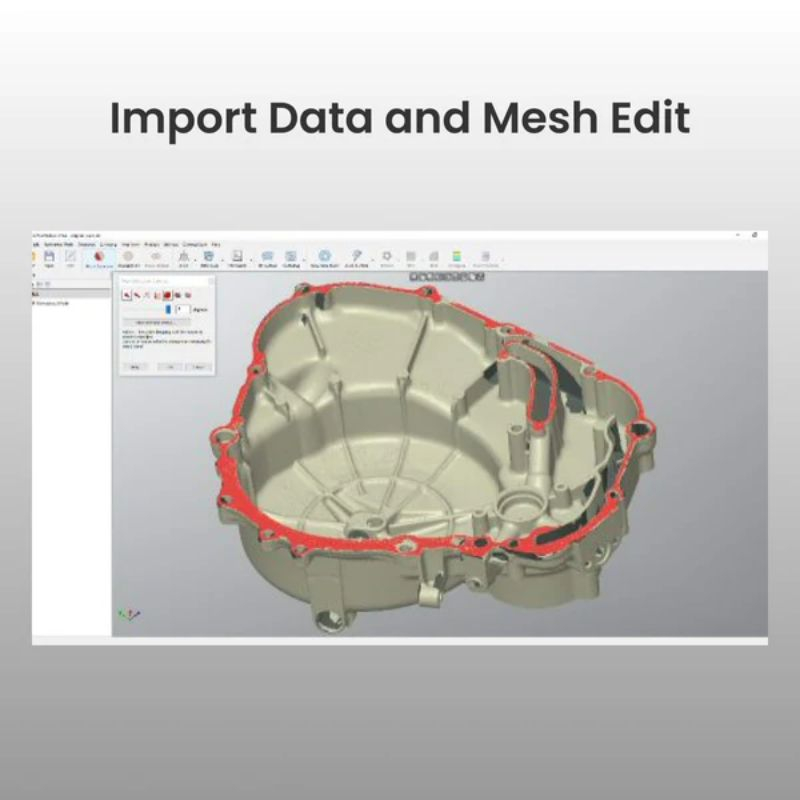
Revo Design supports STL, OBJ, or PLY files from any 3D scanner. For long-range scanners, the PTX format is also supported.
The software can handle meshes of any size, ensuring great flexibility to work smoothly with both simple and complex models.
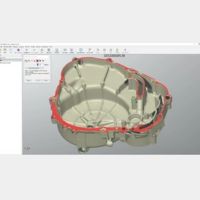
With its intuitive tools, Revo Design reduces data size while maintaining accuracy.
It allows you to fill holes, remove artifacts, and create watertight meshes ready for 3D printing or reverse engineering. A significant time saver for reliable results.
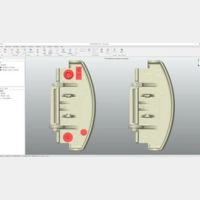
With a single click, Revo Design quickly removes unwanted marks or details from your scans.
This feature provides a clean model, ready for modeling or editing. It avoids manual touch-ups and ensures an optimized final result.
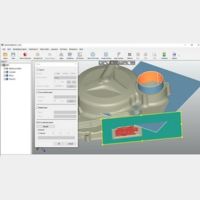
Revo Design allows you to automatically reconstruct simple shapes such as planes, cylinders, cones, or spheres.
These tools make it easier to align meshes with each other or within the coordinate system, ensuring precision and consistency in your projects.
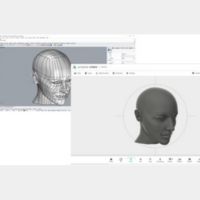
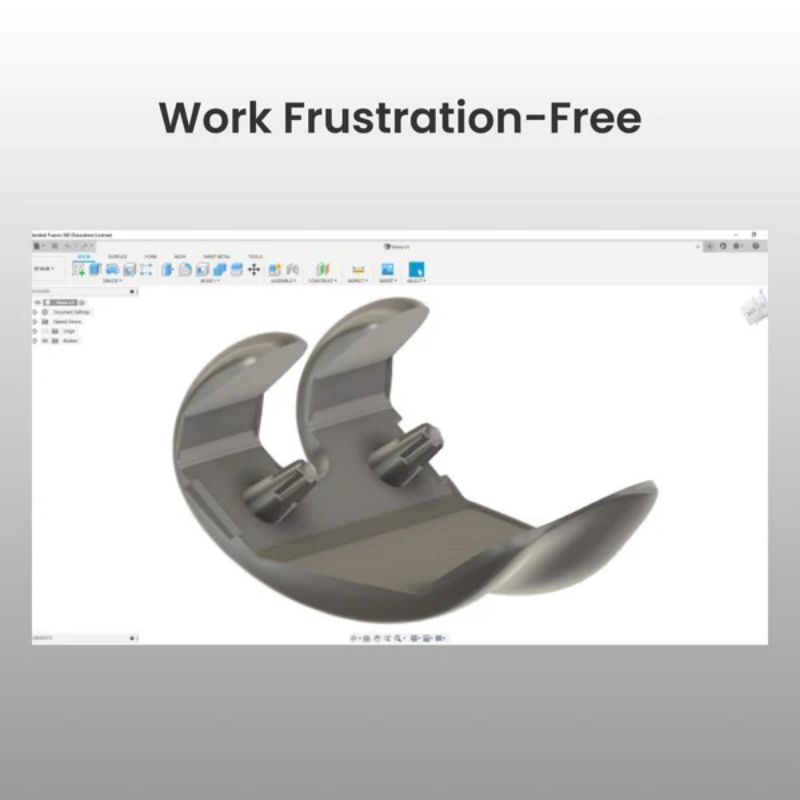
Revo Design lets you export your models in IGES or STEP format, industry standards.
These files are compatible with most CAD/CAM software, allowing you to finalize your designs with your preferred tools. A smooth and professional workflow, from initial scan to finished model.
What is the difference between Revo Design and QuickSurface?
Revo Design uses QuickSurface. These functionalities are the same as QuickSurface Lite.
What are the system requirements to install Revo Design?
Intel i5 CPU or higher - 16 GB RAM - 256 GB hard drive - Dedicated graphics card nVidia or AMD.
An internet connection is recommended for automatic software updates.
How is the software delivered? Do I need to download it?
Revo Design is delivered electronically only. You will receive a license key by email to activate the software after downloading it. Revo Design is compatible with Revo Scan 5 and Revo Scan 5 MetroX.
Is a refund possible after receiving the license?
No refund is possible after purchasing the software.
Can Revo Design be accessed on multiple devices at the same time?
Revo Design is accessible on only one device at a time.
A question? Need help? Contact us, it's a pleasure to help you.
Our team is available from Monday to Friday, from 10 am to 12 pm and from 2 pm to 5 pm.
Specifications for Revopoint Revo Design (1-year license)
Technology / Product
Aucun avis ne correspond à votre recherche.
Aucune question publiée pour ce produit.
Vous ne trouvez pas la réponse à votre question ?
Save products to your wishlist to buy them later or share them with friends.