

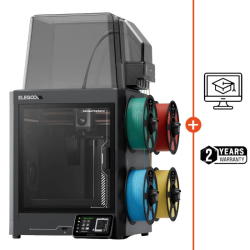
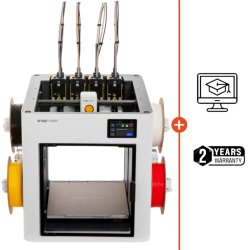
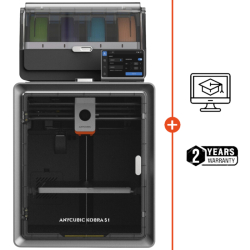
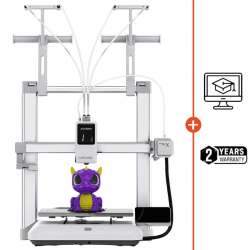



- Pre-order
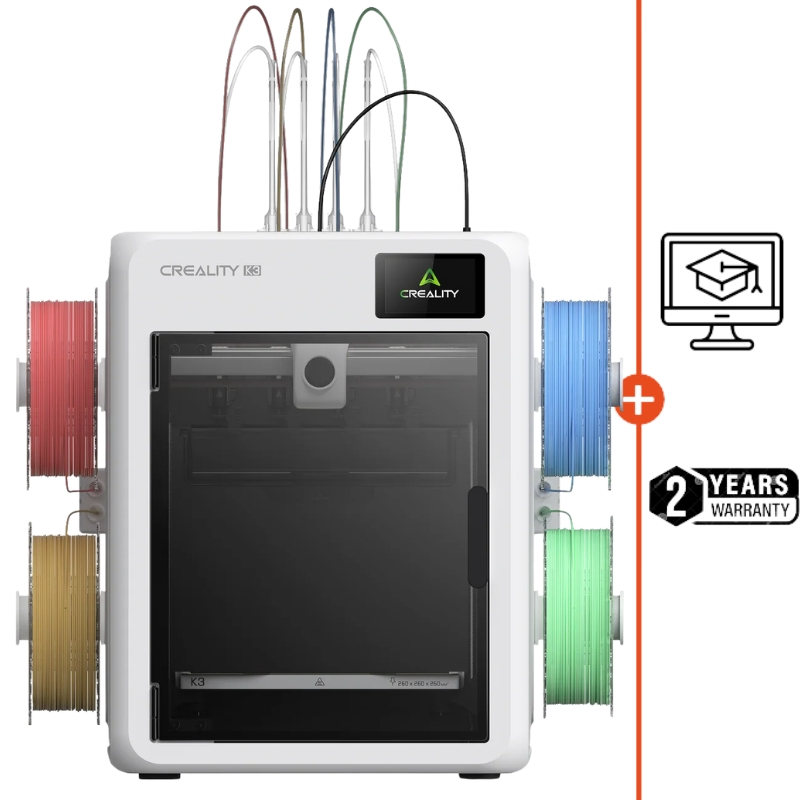
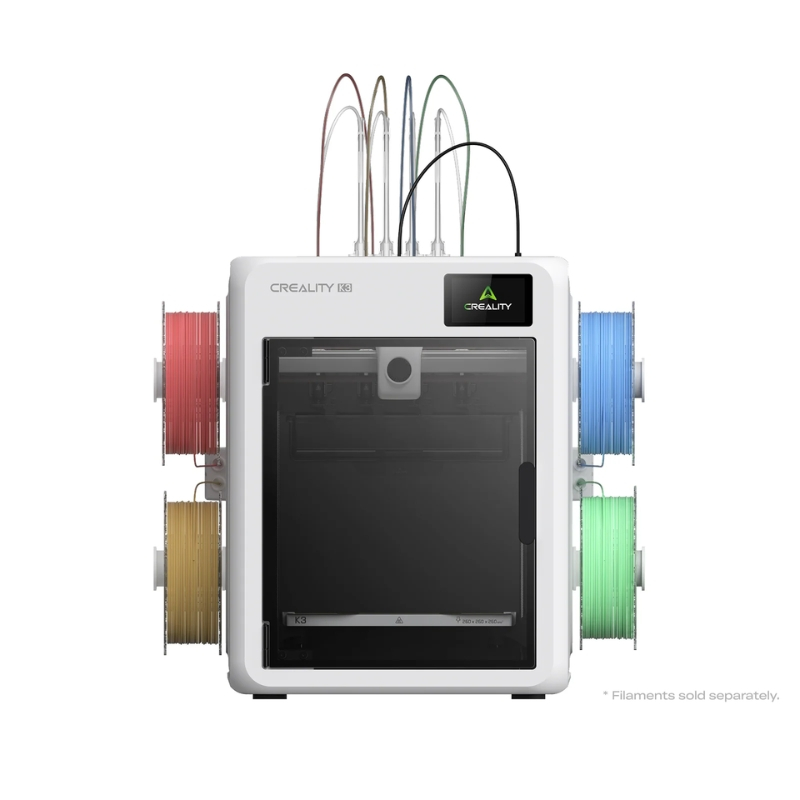
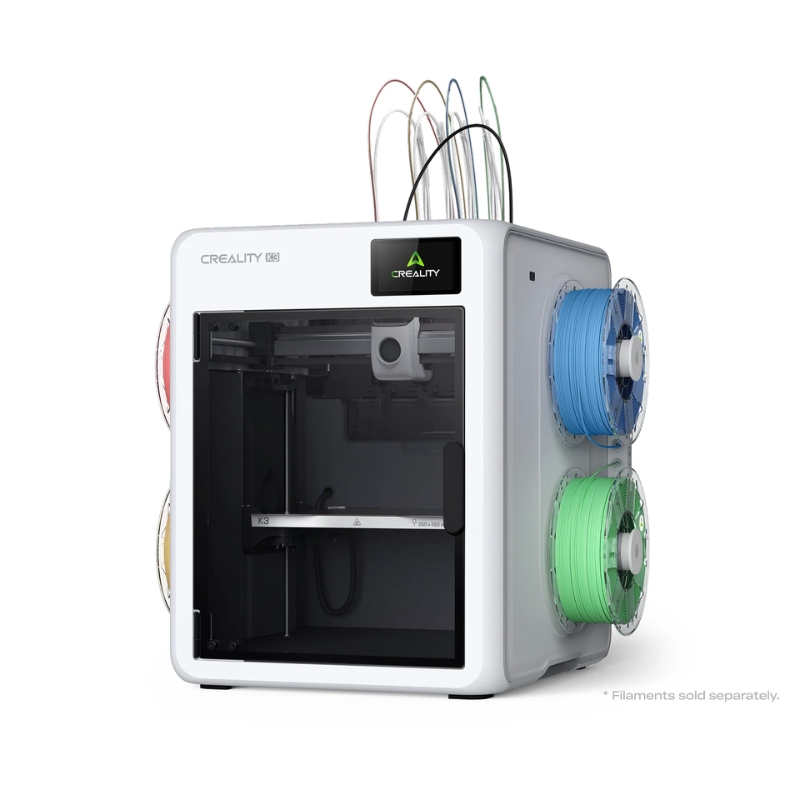
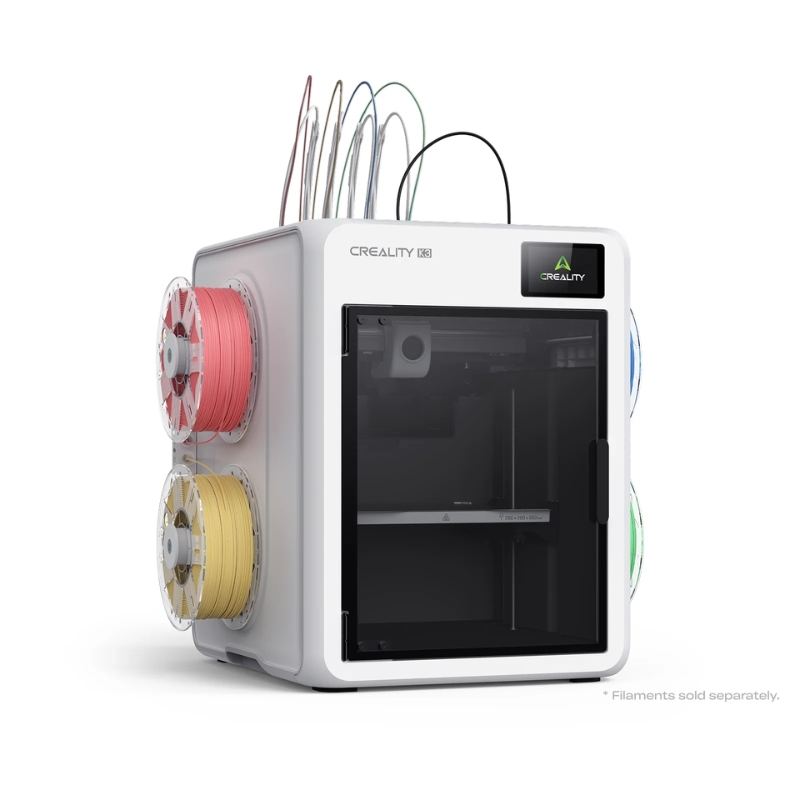
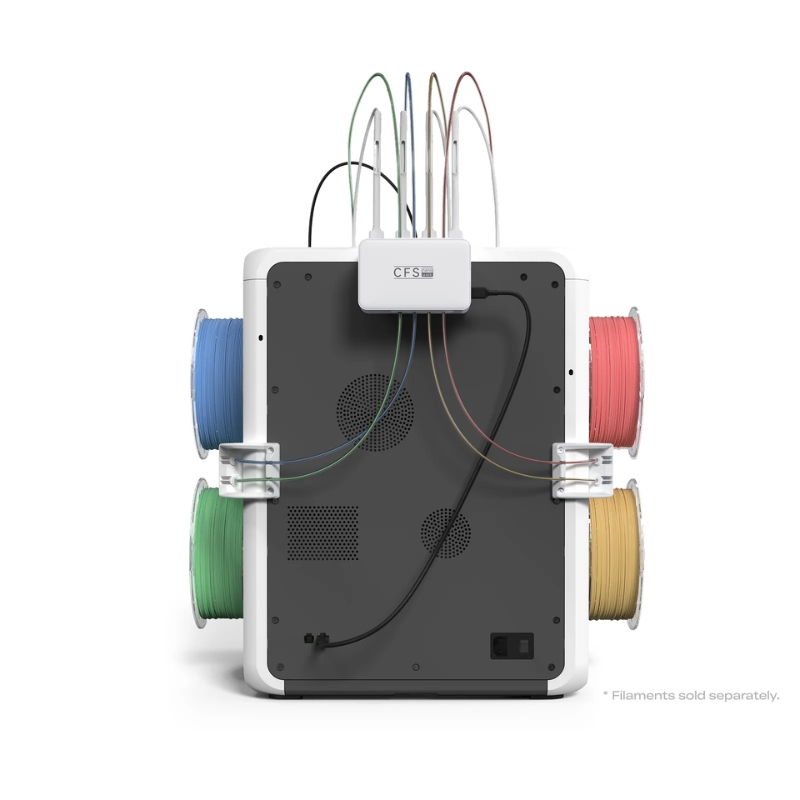


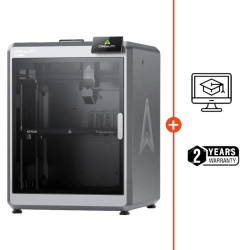
The Creality K3 takes multicolour 3D printing to the next level with its four independent KliTek™ nozzles, enabling faster colour changes and reducing filament waste.
With a build volume of 260 × 260 × 260 mm and an advertised maximum speed of 500 mm/s, it brings more ambitious creative and technical projects to life.
✨ Exclusive: With every purchase, we offer a 2-year warranty (including for professionals) to help you get the most out of your equipment.
 Our experts are at your service to answer your questions and provide advice at info@polyfab3d.com.
Delivery within 48/72 hours
Order before 1pm. Same day shipping
Free delivery
Free delivery near you from €69.90
Premium support
Our teams are on hand to answer all your questions
Over 3500 products
A wide choice of products from the biggest brands
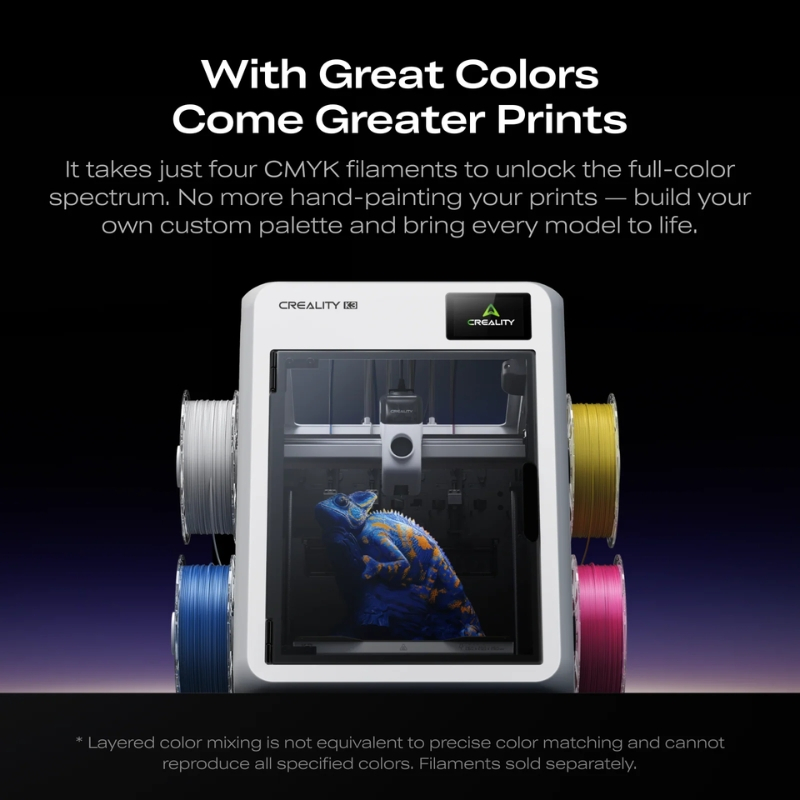
The Creality K3 is an FDM 3D printer designed to make it easier to produce multicolour and multi-material parts. Its key feature is KliTek™ technology with four independent nozzles, which automatically selects the nozzle corresponding to the required colour or material without routing each filament through the same hotend. This architecture reduces the filament changes and purging associated with traditional single-nozzle multicolour printing.
With a build volume of 260 × 260 × 260 mm, an advertised maximum speed of 500 mm/s and four 0.4 mm hardened steel nozzles, the K3 is aimed at makers, workshops and demanding users who want greater flexibility while retaining a largely automated printing process.
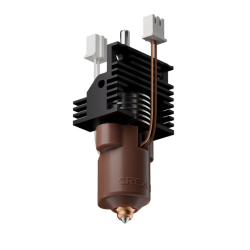
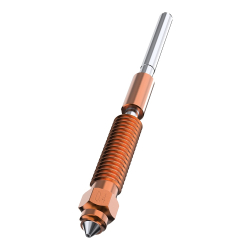
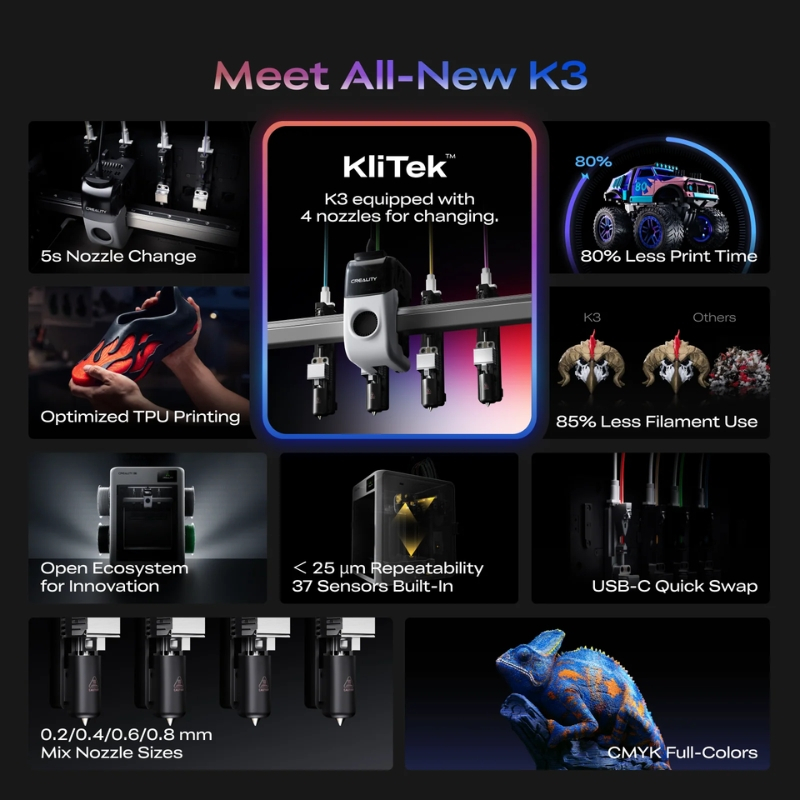
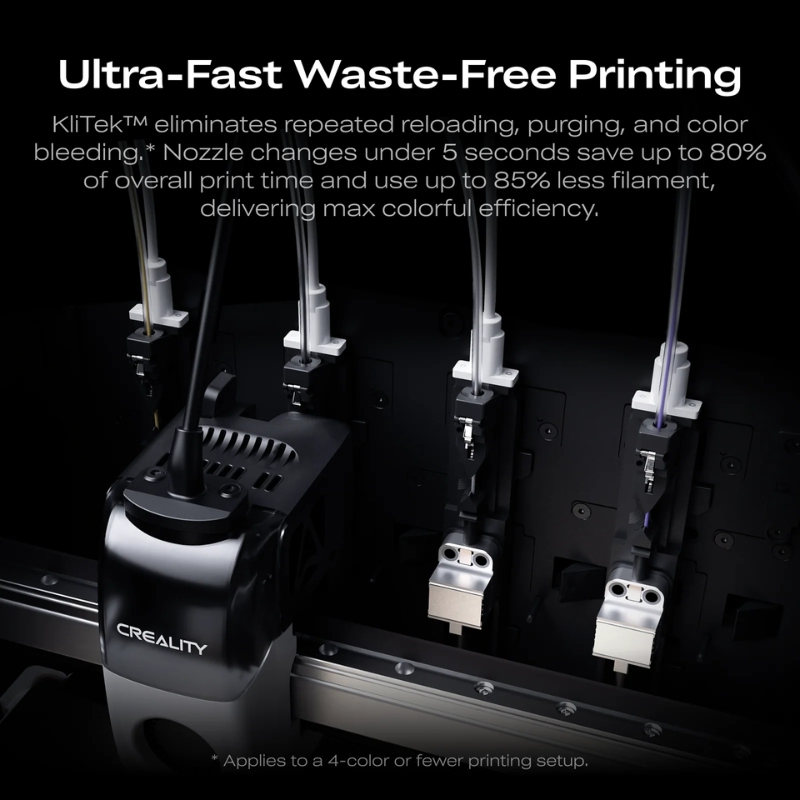
KliTek™ technology is the Creality K3's main advantage. Each filament has its own extrusion path and nozzle. During printing, the machine automatically selects the assembly required for the model.
This design avoids the lengthy loading and unloading operations associated with single-nozzle systems, while reducing purging caused by colour changes.
.jpg)
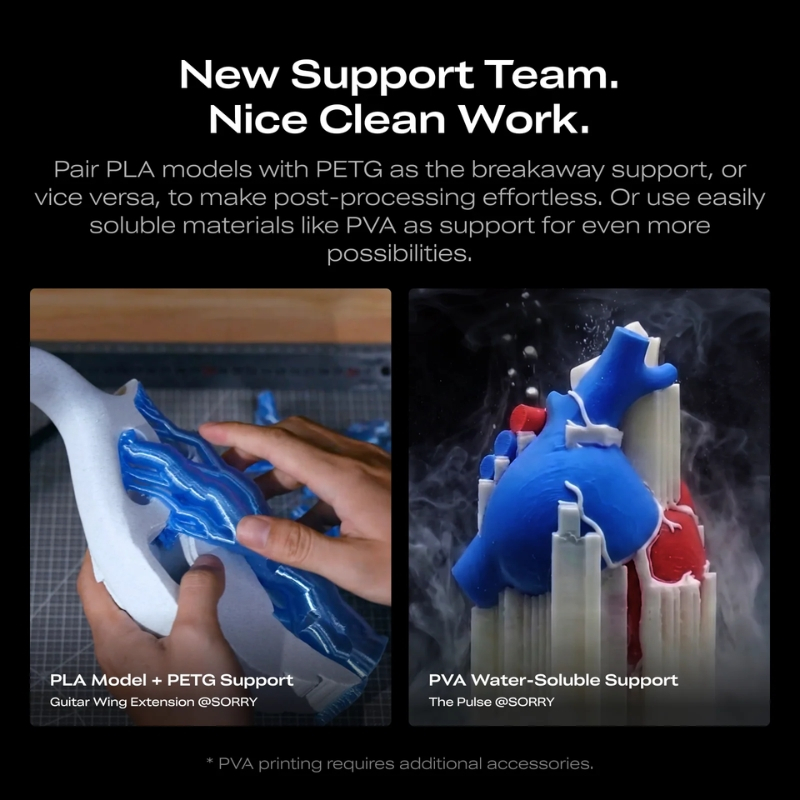
The four nozzles allow you to prepare up to four different filaments for a single print. The K3 can therefore produce multicolour models, combine compatible materials or separate the build material from the material used for supports.
The available options depend on filament compatibility, the selected settings and the features supported by the slicing software.
.jpg)
Creality claims a nozzle change time of approximately 4.8 seconds and a complete colour or material change in less than 15 seconds.
These figures illustrate how the KliTek™ system operates, but do not represent the total duration of a multicolour print. Actual printing time depends in particular on the number of changes, the model's geometry and the slicer settings.
.jpg)
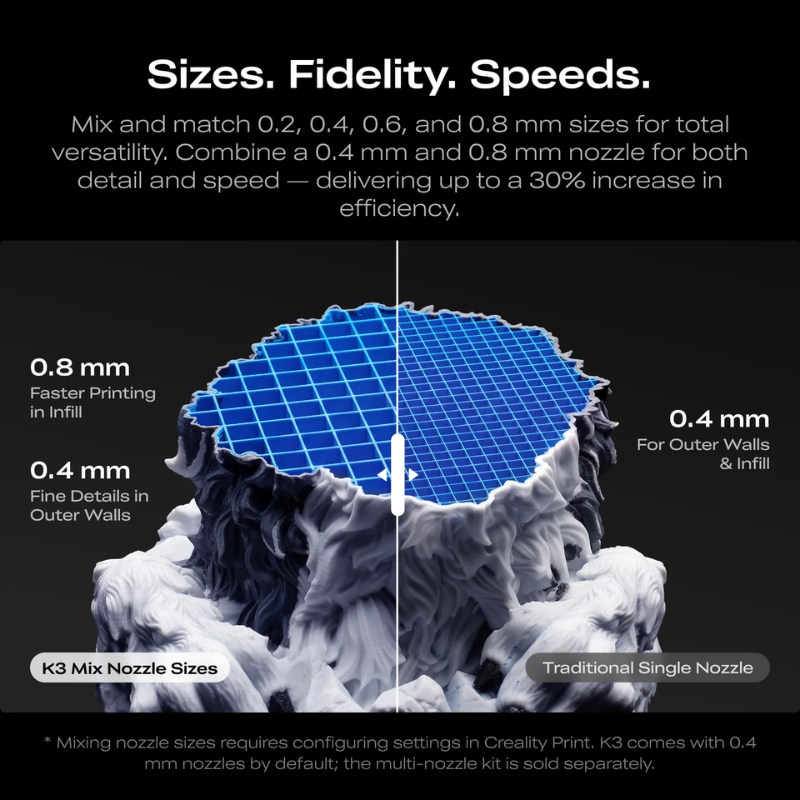
The Creality K3 allows you to combine nozzles with different diameters to adapt each extrusion to the desired result. Choose a smaller nozzle for fine details and a larger one to produce larger volumes more quickly.
Thanks to its four independent nozzles, you can combine different nozzle configurations and filaments within the same project, adjusting the level of detail, printing time and materials used. Check that the selected nozzle diameters and nozzles are compatible with your chosen configuration.
.jpg)
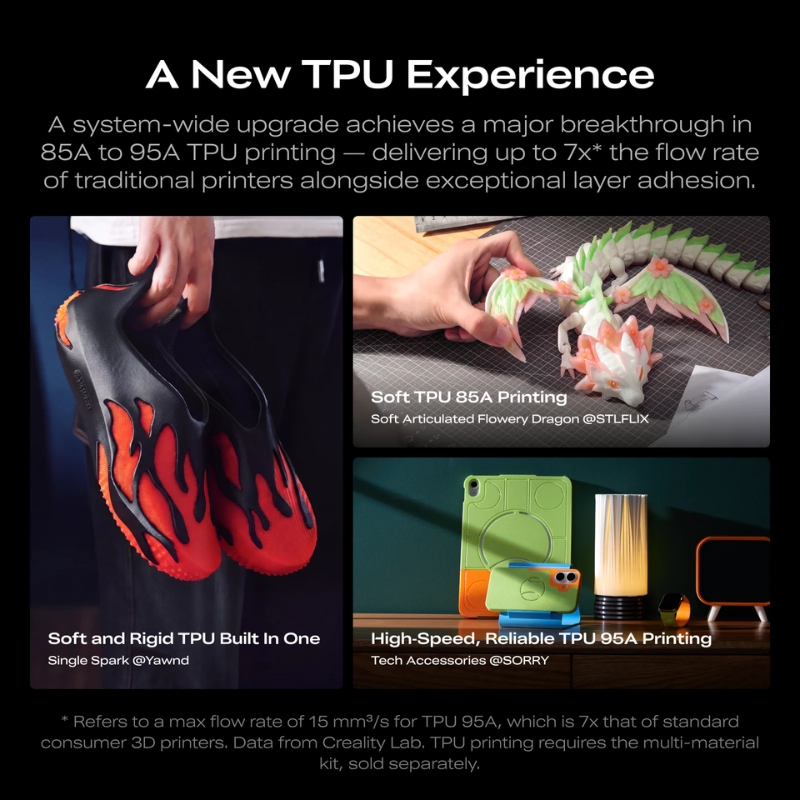
The Creality K3 is compatible with TPU 95A, a flexible filament suitable for making soft parts, protective components, seals and cushioning elements. This compatibility expands the range of possible applications beyond conventional rigid materials.
With its four independent nozzles, the K3 can incorporate TPU into multi-material projects alongside other compatible filaments.
.jpg)
The Creality K3 offers a build volume of 260 × 260 × 260 mm, suitable for producing functional parts, prototypes, models and decorative objects.
This capacity makes it possible to work on medium-sized models without always having to split them into several parts. The stated build volume remains available with the four-nozzle system, subject to constraints specific to the model being printed.
.jpg)
The maximum speed of 500 mm/s and advertised acceleration of 20,000 mm/s² allow the Creality K3 to perform fast movements.
These figures are the manufacturer's stated limits, not a constant speed that applies to every print. The actual speed depends on the material, required flow rate, geometry, layer height and desired quality level.
.jpg)
When a model requires a different colour or material, the K3 automatically selects the corresponding nozzle according to the sliced file's instructions. The user does not need to interrupt the print to replace the nozzle manually.
The filaments remain in their respective paths, reducing handling between materials and simplifying prints involving frequent changes.
.jpg)
With a single nozzle, colour changes generally require removing one filament, loading another and purging the remaining material. The K3 reduces these operations thanks to its four separate extrusion paths.
Creality claims up to 85% less filament consumption in certain comparisons. This figure is indicative: actual savings depend on the model, the colours used and the printing settings.
.jpg)
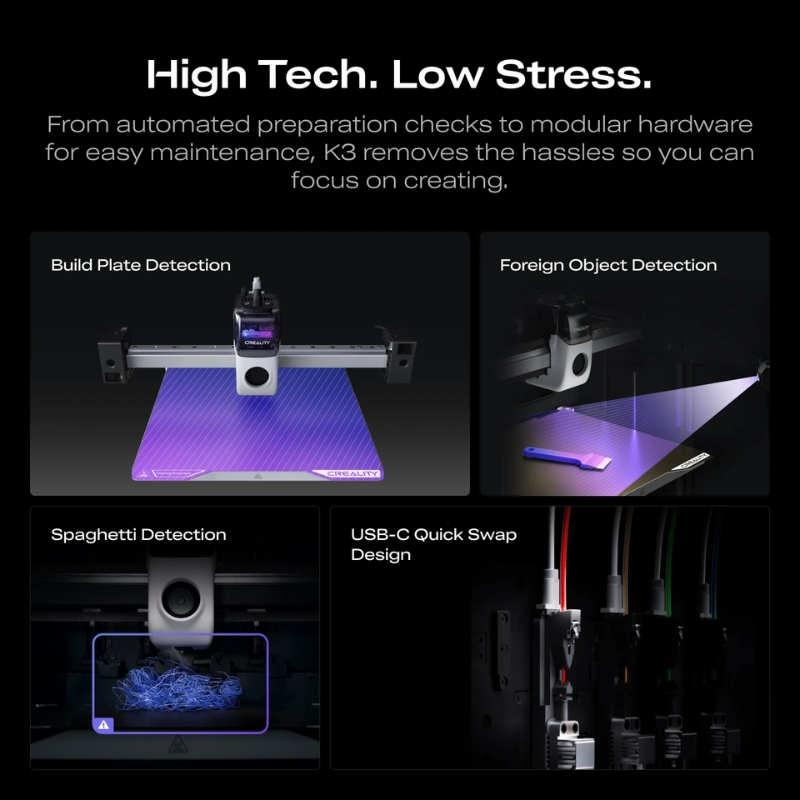
The Creality K3 uses a flexible spring steel build plate with a double-sided PEI coating. This surface helps the first layer adhere and makes it easier to remove parts by gently flexing the plate once the build plate has cooled.
Adhesion nevertheless depends on the material, surface preparation and first-layer settings.
.jpg)
The standard configuration supports, among others, PLA, PETG, PET, PLA-CF/GF, PETG-CF/GF, TPU 95A and PCTG, according to Creality's published compatibility list.
Material selection must take into account printing temperature, adhesion and mechanical properties. Stated compatibility alone does not guarantee optimal results: the profile, drying and ambient conditions remain important factors.
.jpg)
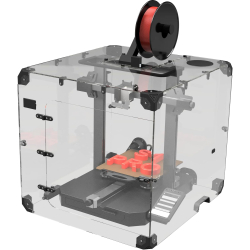
The Creality K3 is not fully enclosed in its standard configuration. An optional top cover helps retain heat and expands the stated compatibility to include certain technical materials, notably ABS, ASA, PC and PA.
This accessory should not be confused with an actively heated chamber. Check whether the cover is included in the product package being sold.
.jpg)
The K3 features a 720p camera with lighting to monitor prints. Creality's advertised detection features are designed to identify certain incidents, such as spaghetti-like print failures or objects on the build plate.
These tools can help identify anomalies during long print jobs, but they do not replace regular checks of the machine and the printed part.
.jpg)
The Creality K3 features a 3.97-inch touchscreen for operating the machine and accessing its main controls. The interface allows users to manage routine operations without always needing a computer.
Available functions depend on the firmware and software version. For complex multicolour prints, file preparation and material assignment remain essential steps.
.jpg)
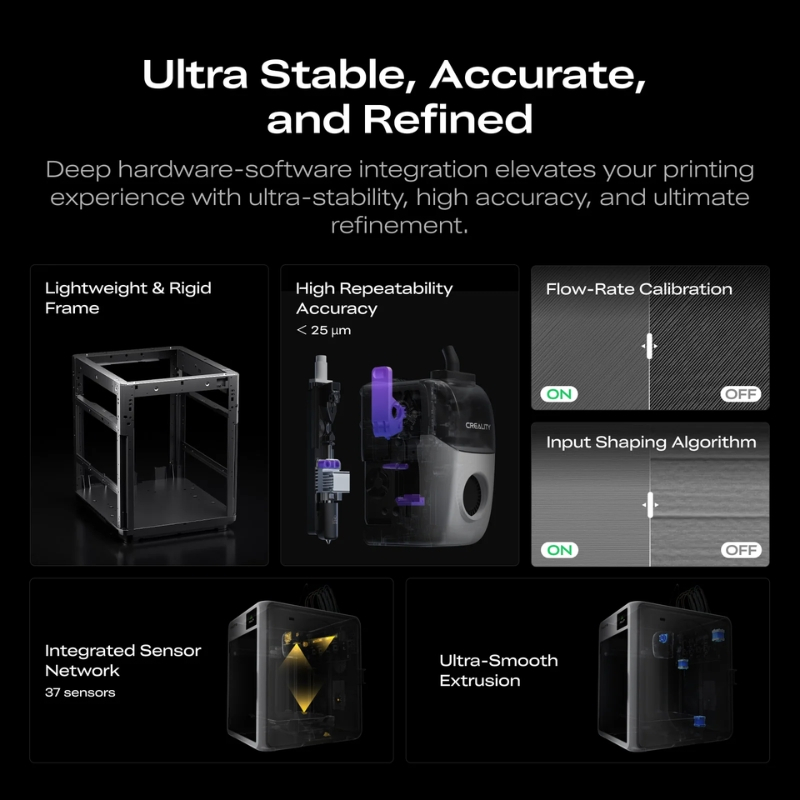
Nozzle changes require repeatable positioning to ensure that the different colours and materials align correctly on the part.
Creality claims repeatability of less than 25 µm after a nozzle change, using dedicated sensors to check positioning and locking. This figure comes from the manufacturer; final print quality also depends on calibration, material, model and slicing settings.
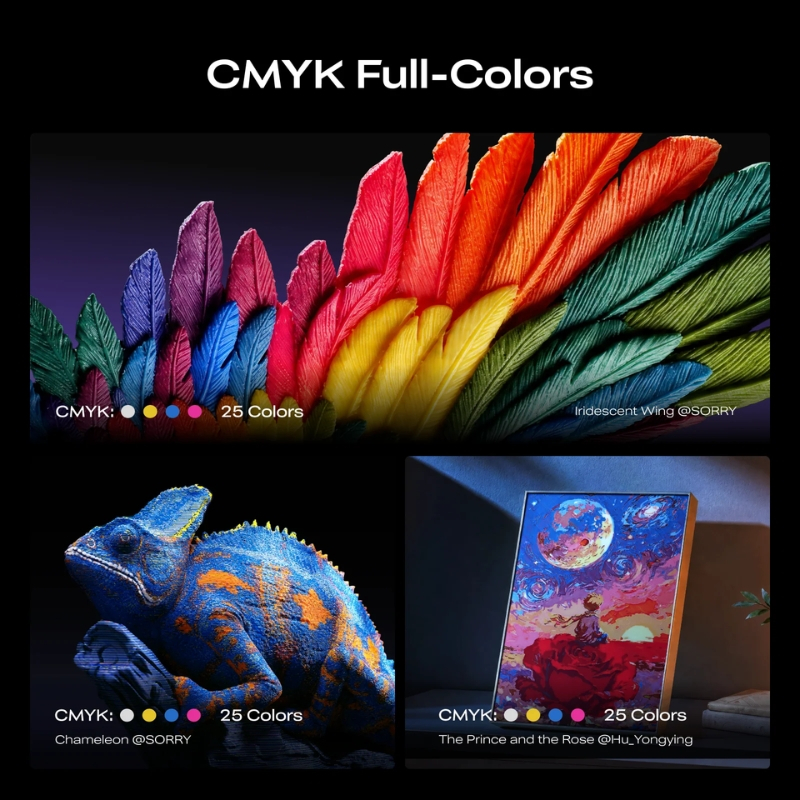
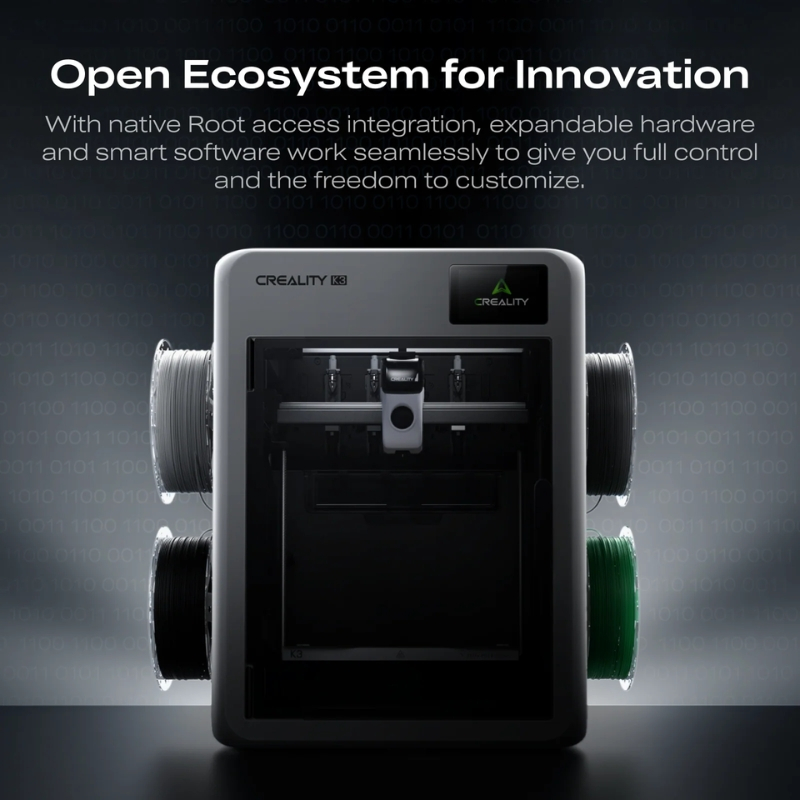
Preparing multicolour prints requires software capable of managing colour assignments, materials and nozzle changes. The Creality K3 is designed to work with Creality Print 7.0 or later, which allows files to be prepared with its multi-nozzle architecture in mind.
Creality has also announced compatibility with OrcaSlicer, although this should be checked against the available version and the features actually supported. The Creality Cloud environment complements this workflow with resources and connected features, depending on the services offered. The built-in camera and detection tools help monitor prints.
To get the most out of the K3, it is important to select suitable filament profiles, check the assignment of each nozzle and review the slicing preview before starting a complex print.
The Creality K3 stands out primarily for its four independent nozzles, rather than for its maximum speed alone. For users who frequently print in multiple colours, keeping filaments in separate paths can reduce purging and make material changes more efficient. It is also useful for combining a part material with a compatible support material. However, multi-material printing requires careful preparation: not all filaments bond properly, and profile management remains essential.
As the top cover is optional, the K3 should not automatically be considered a fully enclosed machine. It appears particularly well suited to advanced makers, prototyping workshops and users who make real use of multicolour printing. For predominantly single-colour printing, the benefits of the four nozzles will be less significant.
Order contents
✔️ Creality K3
✔️ CFS nano automatic filament system
✔️ CFS nano mounting bracket
✔️ 200 g filament sample
✔️ Spool holders x4
✔️ Side filament tube holders x2
✔️ Hotend assemblies with 0.4 mm nozzle, communication cables, PTFE tubes and cable holders x4
✔️ Short filament tubes, including 1 spare x5
✔️ RS-485 communication cable
✔️ Build plate
✔️ Power cable
✔️ Filament waste collection tray
✔️ Printhead communication cable
✔️ Lubricating grease
✔️ Quick start guide
✔️ Spare filament cutter blade
✔️ H2.5 hex key
✔️ Unclogging needle
✔️ Flush cutters
✔️ Screw kit
✔️ Cleaning brush
Specifications for Creality K3
Technology / Product
Extrusion
Heated bed
Specific equipment
Software
Installation / Prerequisites
Aucun avis ne correspond à votre recherche.
Aucune question publiée pour ce produit.
Vous ne trouvez pas la réponse à votre question ?