

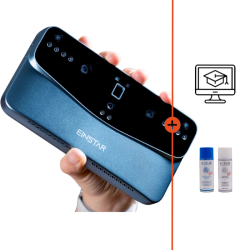
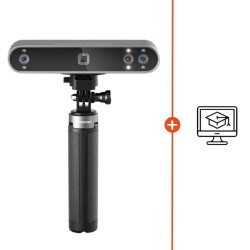
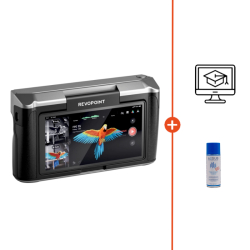
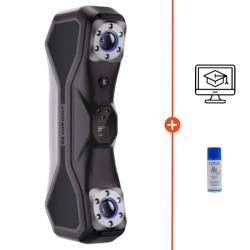


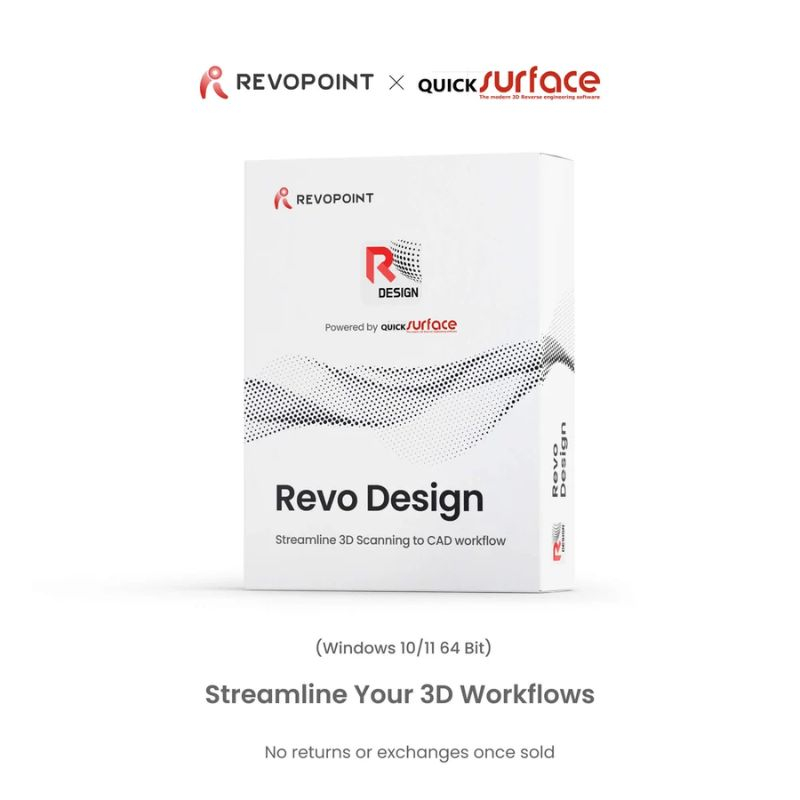


Revo Design Pro provides a complete environment for working with data from Revopoint scanners and reconstructing parts into precise CAD models.
Its advanced features make it possible to segment meshes, create and edit surfaces, perform operations on solids and analyse deviations between scans and models. A solution suited to reverse engineering and industrial design workflows.
 Our experts are at your service to answer your questions and provide advice at info@polyfab3d.com.
Delivery within 48/72 hours
Order before 1pm. Same day shipping
Free delivery
Free delivery near you from €69.90
Premium support
Our teams are on hand to answer all your questions
Over 3500 products
A wide choice of products from the biggest brands
Revo Design Pro is professional computer-aided design (CAD) software designed to transform data from 3D scanning into usable models for reverse engineering, industrial design and product development.
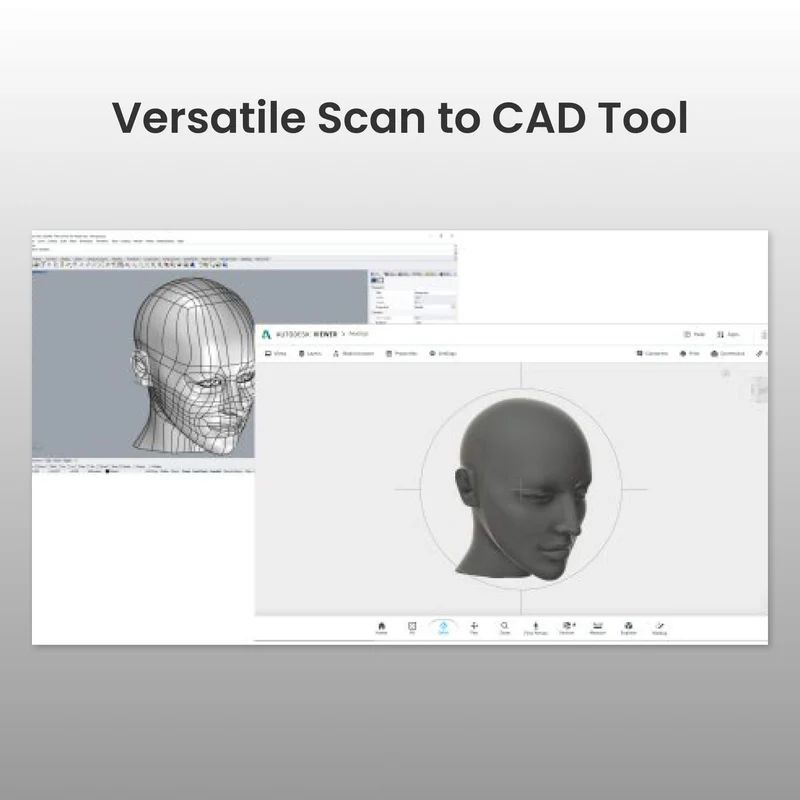
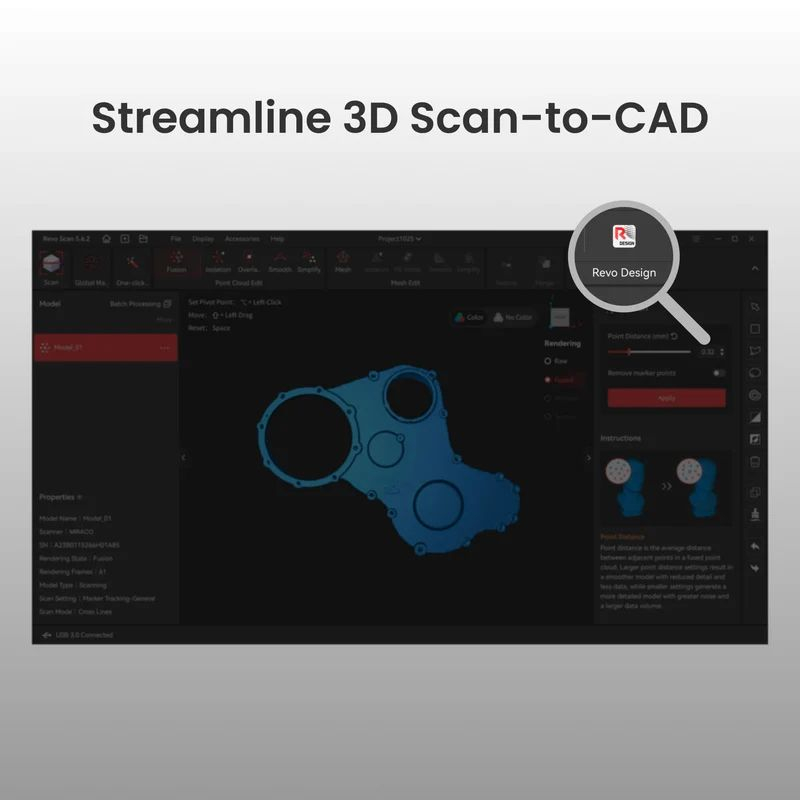
Powered by QUICKSURFACE, Revo Design Pro provides a complete environment for importing, cleaning, analysing and modifying 3D meshes, then reconstructing surfaces and CAD models using advanced modelling tools. It therefore fits into a complete Scan-to-CAD workflow, from scanning the part to using the resulting model in CAD/CAM software.
Thanks to its professional features for parametric modelling, free-form design and solid editing, Revo Design Pro is particularly suited to complex reverse engineering projects, industrial design, automotive part modification and applications requiring detailed CAD reconstruction.
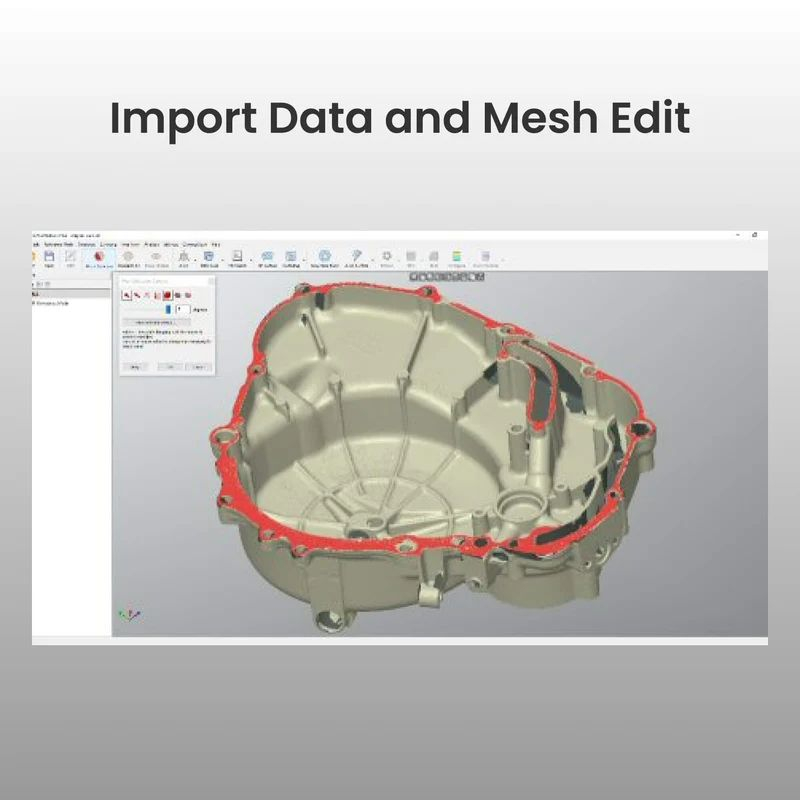
Revo Design Pro allows scan data to be imported as STL, OBJ or PLY meshes. The software supports meshes of different sizes and provides numerous tools for preparing data before converting it into CAD models.
Polygon reduction, smoothing, remeshing, outlier removal and hole filling make it possible to clean and optimise meshes before continuing with the design process.
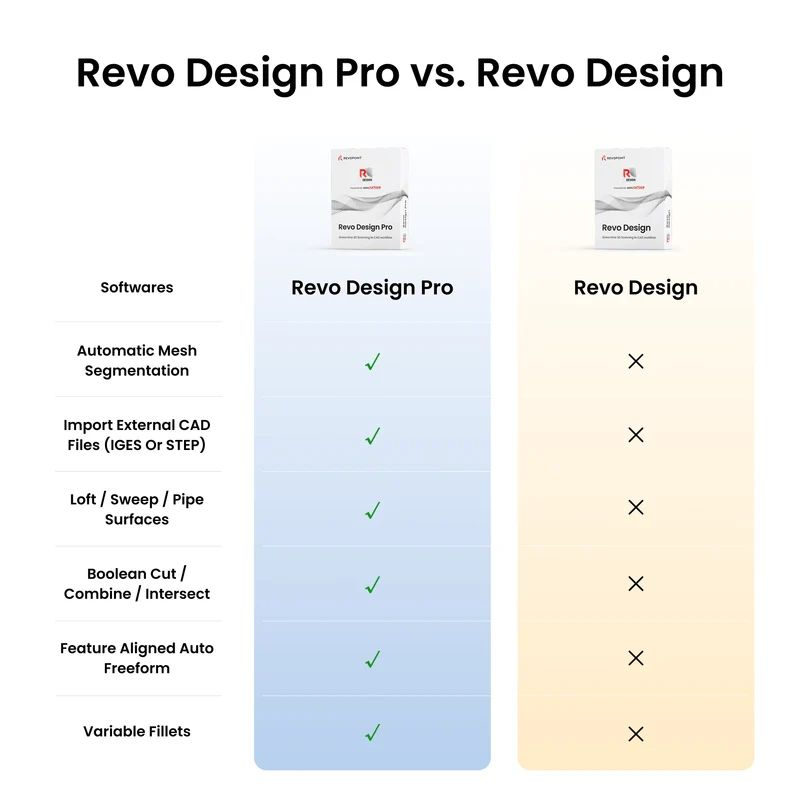
Revo Design Pro includes an automatic mesh segmentation function that makes it easier to identify and separate different areas of a scanned model.
This feature simplifies data preparation and speeds up the reconstruction process when a mesh contains multiple distinct surfaces or geometric shapes.
The software transforms scan data into parametric or free-form CAD surfaces. Users can reconstruct complex shapes from the mesh and adapt them to the requirements of each project.
The modelling tools allow users to extrude or revolve surfaces, create sections, generate 2D and 3D entities and perform precise reconstruction operations based on scanned data.
Unlike the standard version, Revo Design Pro also allows CAD files in IGES or STEP format to be imported.
This feature makes it possible to combine data from 3D scanning with existing CAD models in order to modify a part, complete a design or integrate different data sources into the same project.
Revo Design Pro includes advanced tools for solid modelling and editing. Users can split solids and perform Boolean operations such as cutting, combining or intersecting.
Linear and circular pattern functions, together with mirroring, also make it possible to quickly reproduce geometric features and simplify the design of complex parts.
The software provides dedicated tools for finishing and modifying CAD models, including the creation of fillets, chamfers and variable-radius fillets.
Revo Design Pro also makes it possible to work with helices, thickened surfaces and flattening functions to meet more advanced design requirements.
For organic shapes and complex geometries, Revo Design Pro provides free-form modelling tools for accurately reconstructing and modifying surfaces.
The automatic feature-based free-form function makes it easier to reconstruct surfaces based on the existing characteristics of the scanned model.
Revo Design Pro includes several tools for checking model geometry and comparing CAD data with scan data.
Deviation analysis makes it possible to visualise differences between models and assess reconstruction quality. The software also provides draft analysis and straightness analysis for applications requiring more advanced geometric inspection.
Revo Design Pro can extract geometric primitives such as planes, cylinders, cones, spheres and symmetry planes from scan data.
These elements can be used to accurately position models within the coordinate system or perform multi-point alignments. The software also supports fine global alignment of multiple meshes.
Once the reconstruction work is complete, Revo Design Pro allows users to export models in standard CAD formats, including IGES, STEP and Parasolid.
The files can then be used in other CAD/CAM software to continue the design process, prepare manufacturing or integrate the model into an existing industrial workflow.
Revo Design Pro is part of a complete 3D scanning-to-CAD workflow. Data captured with a 3D scanner can be imported into the software, cleaned, aligned and analysed before being used as a reference to reconstruct a CAD model.
This approach is particularly suitable for reverse engineering: scanning an existing part, preparing the mesh, extracting geometric features, reconstructing surfaces and modifying the model before exporting it to design or manufacturing software.
With its advanced modelling tools, Revo Design Pro meets the needs of professionals working with complex parts, industrial products or reconstruction projects based on existing parts.
It can be used for reverse engineering, product design and modification, automotive part reconstruction, creating models from sculptures or existing objects, and projects requiring a combination of scan and CAD data.
Revo Design Pro includes the main features of Revo Design and adds professional CAD modelling and editing tools. It includes automatic mesh segmentation, IGES and STEP file import, Boolean operations, pattern tools, solid mirroring, fillets and chamfers, draft analysis and advanced free-form modelling functions.
Yes. Revo Design is powered by QUICKSURFACE and provides an integration designed to streamline workflows for users of Revopoint 3D scanners.
Revo Design Pro supports STL, OBJ and PLY mesh files. The Pro version also allows external CAD files in IGES and STEP formats to be imported.
Models can be exported in standard CAD formats such as IGES, STEP and Parasolid for use with other CAD/CAM software.
The minimum configuration specified by Revopoint is a desktop or laptop computer running 64-bit Windows 10, with an Intel i5 processor or equivalent, 16 GB of RAM, 256 GB of storage and a dedicated NVIDIA or AMD graphics card.
The software is delivered exclusively in digital format. After purchase, an activation code is sent by email to activate the software.
No. The account can only be connected to one device at a time.
In accordance with the conditions specified by Revopoint, no refund or exchange is possible after ordering the software.
Specifications for Revopoint Revo Design Pro (1-year license)
Technology / Product
Aucun avis ne correspond à votre recherche.
Aucune question publiée pour ce produit.
Vous ne trouvez pas la réponse à votre question ?